 StatJacket
 / Examples
Season recap cards
After a game or at the end of the season, StatJacket turns your kid's stats into picture cards sized for a story or a group text. These are real cards from the app, made with a demo player.
Rendered 2026-11-08 from the app's own card code. Demo player: Jordan #23, Cowboys. Not a real child.

Cover: record and games played 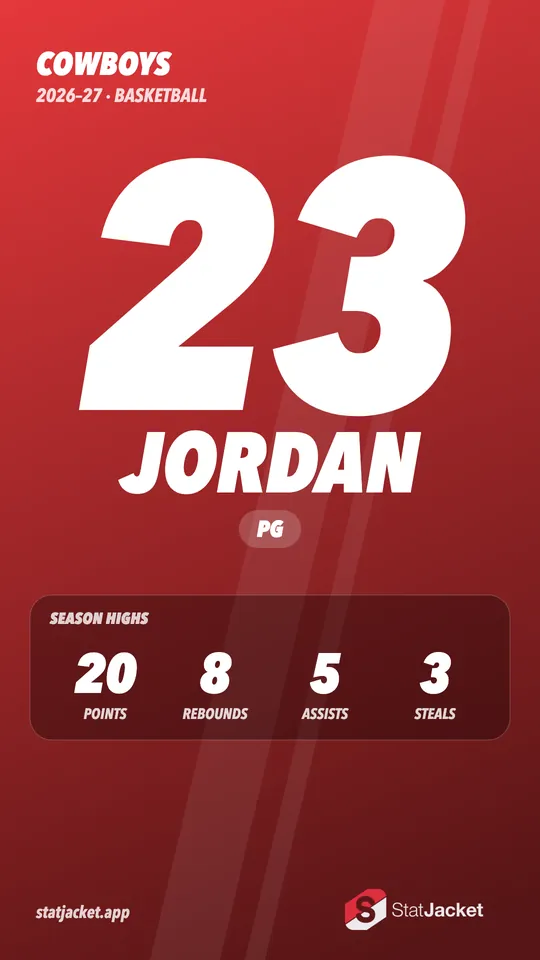
Season highs 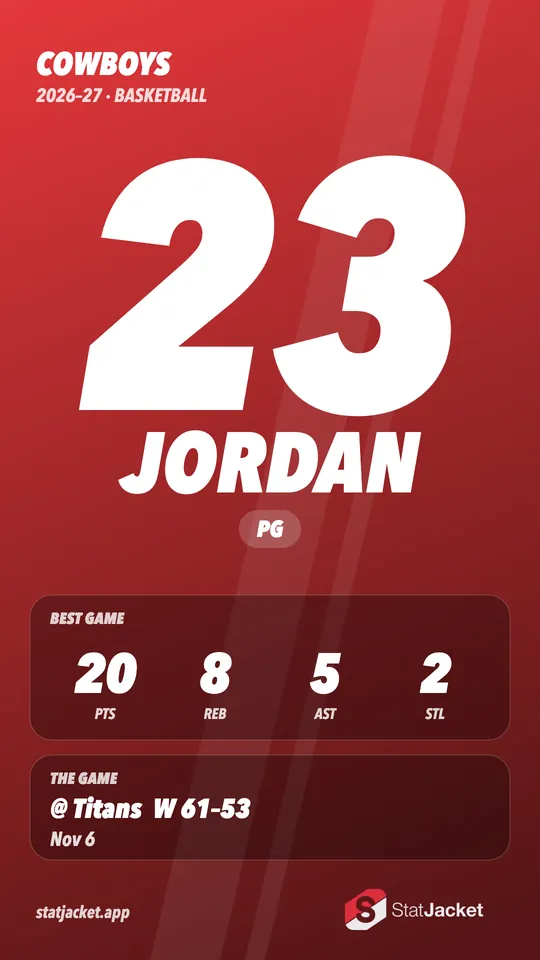
Best game of the season 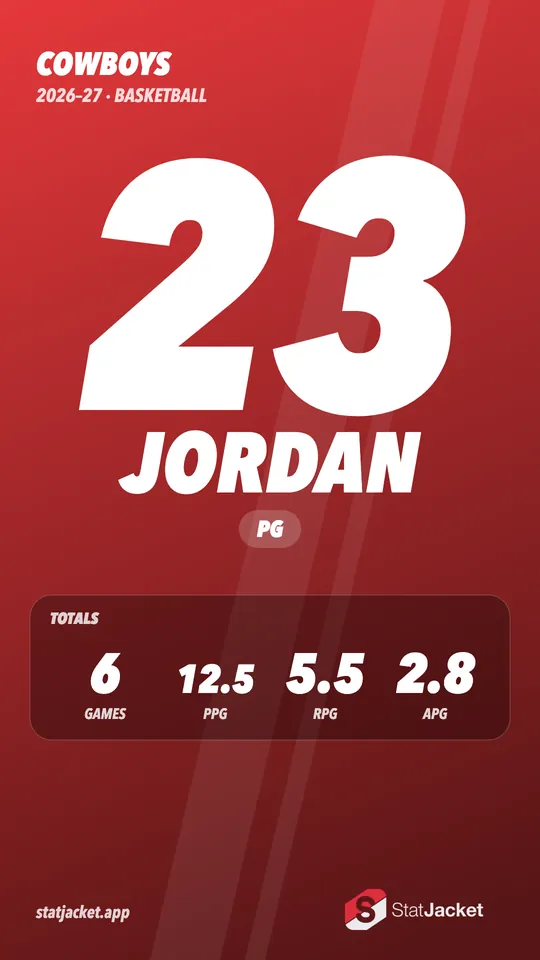
Season totals 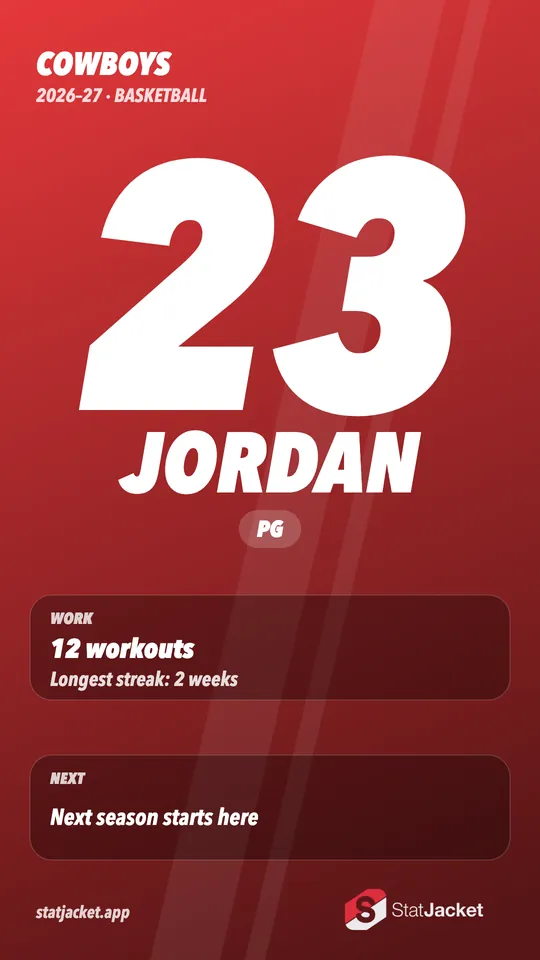
Workouts and streak 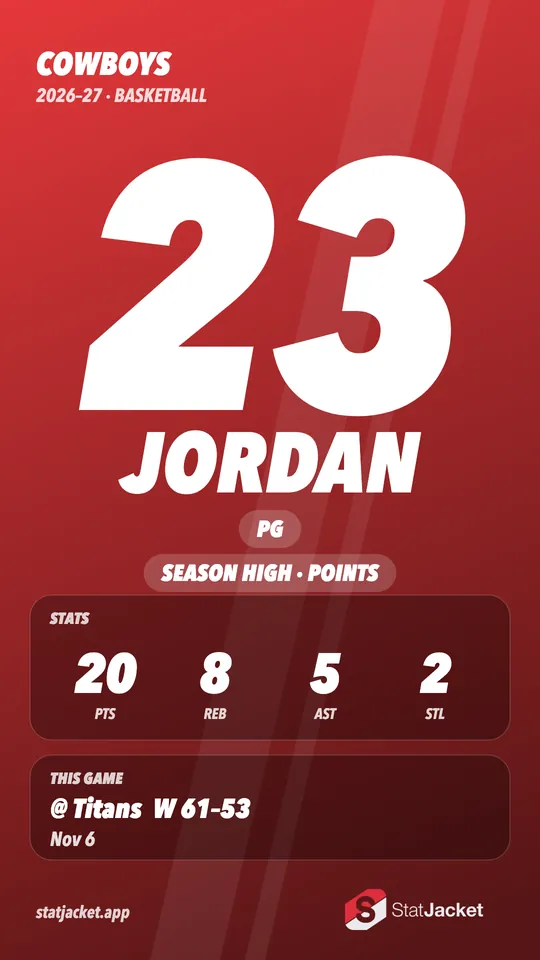
Game card after one game 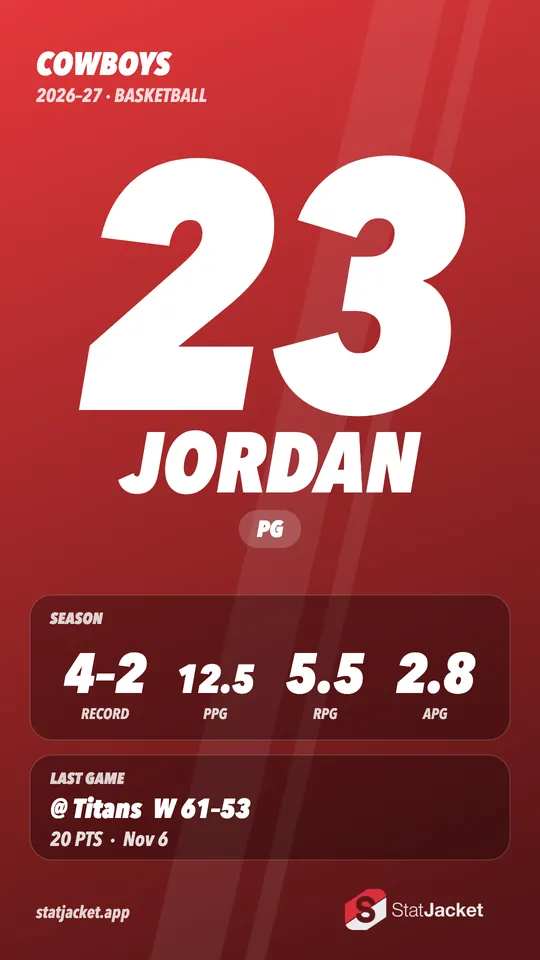
Season card, any time 
A football game card
How you get them
- Game card: after you log a game, tap Share on that game.
- Season recap: once three games are logged, a Season recap button shows on the Stats tab. It makes all five cards at once.
- Season card: share it from the home screen at any point in the season.
What is on them, and what is not
- Team color, team name, first name, number and position, the way you set them up.
- The numbers come from the games you logged. Nothing is estimated.
- The cards are made on your phone. Nothing is uploaded to make them, and you choose who gets them.
Make your own cards
Free. No account. Tap each play during the game and the season adds itself up. Your kid's name and stats stay on your phone.


StatJacket has no accounts and sends no names or stats anywhere. How your kid's stats stay on your phone.